Do You Want to Be a Psychic Spy?
Unlock the skills and training methods used by real remote viewers to perceive hidden targets with accuracy and confidence.
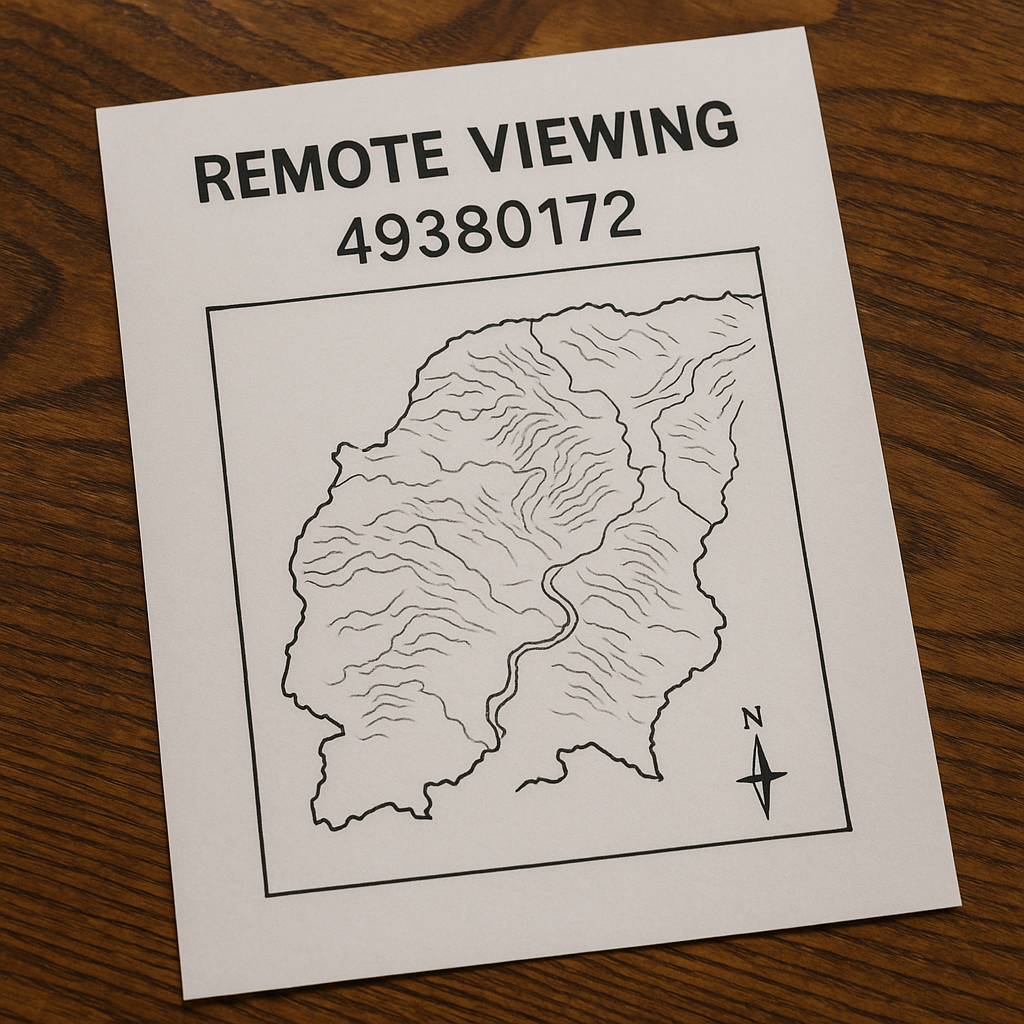
Remote viewing begins with a blind target—an 8-digit ID assigned to a target that remains unknown to the viewer during the session. The Target Console provides a structured, distraction-free way to generate these blind targets for both image-based feedback sessions and conceptual tasking sessions. Whether you practice CRV, ERV, SRV, TRV, HRVG, TDM, or your own hybrid system, this tool supports all remote viewing methods.
Use this page as your reference for how the console works, how to use it effectively, and how to build good training habits.
SECTION 1: What the Target Console Does
The Target Console is designed to:
✔ Generate blind 8-digit target IDs
Every session starts with a random target number that contains no hidden meaning or cues.
✔ Provide two types of targets
- Image Targets – For immediate visual feedback
- Concept/Information Targets – For deeper or exploratory sessions
✔ Keep you blind
The target is hidden until you choose to reveal it.
This eliminates front-loading and maintains session integrity.
✔ Work with any RV structure
CRV, ERV, SRV, TRV, HRVG, TDM…
The tool doesn’t force a method — it supports them all.
🌟 SECTION 2: How to Use the Console
Follow this simple workflow for every RV session:
1. Generate a Target ID
Click “New Image Target” or “New Concept Target.”
Write the 8-digit ID at the top of your session sheet.
2. Stay Completely Blind
Do not reveal the target until the session is finished.
Work your method:
- CRV: Stage 1 → Stage 6
- ERV: Relaxed/altered-state impressions
- TDM: Mapping relationships and influences
- SRV/TRV/HRVG: Follow your protocol
3. Reveal the Target
After completing your session, click “Show Target Image” or “Show Target Info.”
Compare your notes, sketches, ideograms, and impressions.
4. Review Your Data
Study:
- Hits
- Partial matches
- Misses
- Patterns
- Strengths & weaknesses
This builds accuracy over time.
🌟 SECTION 3: Types of Targets
🔵 Image Targets (Feedback Targets)
Photo-based targets help you measure accuracy instantly.
Great for:
- Beginners
- CRV structure
- Skill building
- Pattern recognition
- Reducing AOL
🟢 Concept / Information Targets
These may include:
- Events
- People
- Locations
- Situations
- Historical topics
- Hidden dynamics
- Large-scale influences
Useful for:
- Intermediate & advanced practice
- ERV sessions
- TDM-style mapping
- Multi-session analysis
🌟 SECTION 4: Tips for Better Sessions
✔ Keep sessions short (15–25 minutes for practice)
Shorter sessions are cleaner and reduce AOL contamination.
✔ Use a clean sheet for each session
Don’t review past sessions beforehand.
✔ Stay descriptive
Avoid naming (AOL). Use sensory descriptors:
- “Metallic”
- “Tall”
- “Cool”
- “Expansive”
- “Circular shape”
✔ Always review your feedback
Accuracy improves dramatically when feedback is used repeatedly.
✔ Don’t judge your results
Remote viewing builds like muscle memory.
🌟 SECTION 5: Recommended Tools
You may benefit from:
- CRV session templates
- Sketching paper
- Clipboard
- TDM mapping sheet
- Meditation or focus audio
- Session logging spreadsheet
If you want, I can create these files for download.
🌟 SECTION 6: Sample Session Workflow
Here is a full 5-step example:
- Generate Target ID: 49380172
- Write the number at the top of your paper
- Begin CRV Stage 1
- Move through sensory impressions → sketches → deeper data
- Reveal the image/target information
- Compare your notes
- Log your results
Repeat daily or weekly.
🌟 SECTION 7: Final Notes
This console is a flexible and powerful tool that supports all levels of RV practice. Whether you’re just starting or refining advanced skills, returning to blind tasking and structured feedback will always improve your accuracy and control.
Use this page as your personal training reference whenever you engage in remote viewing practice.